September 8, 2026

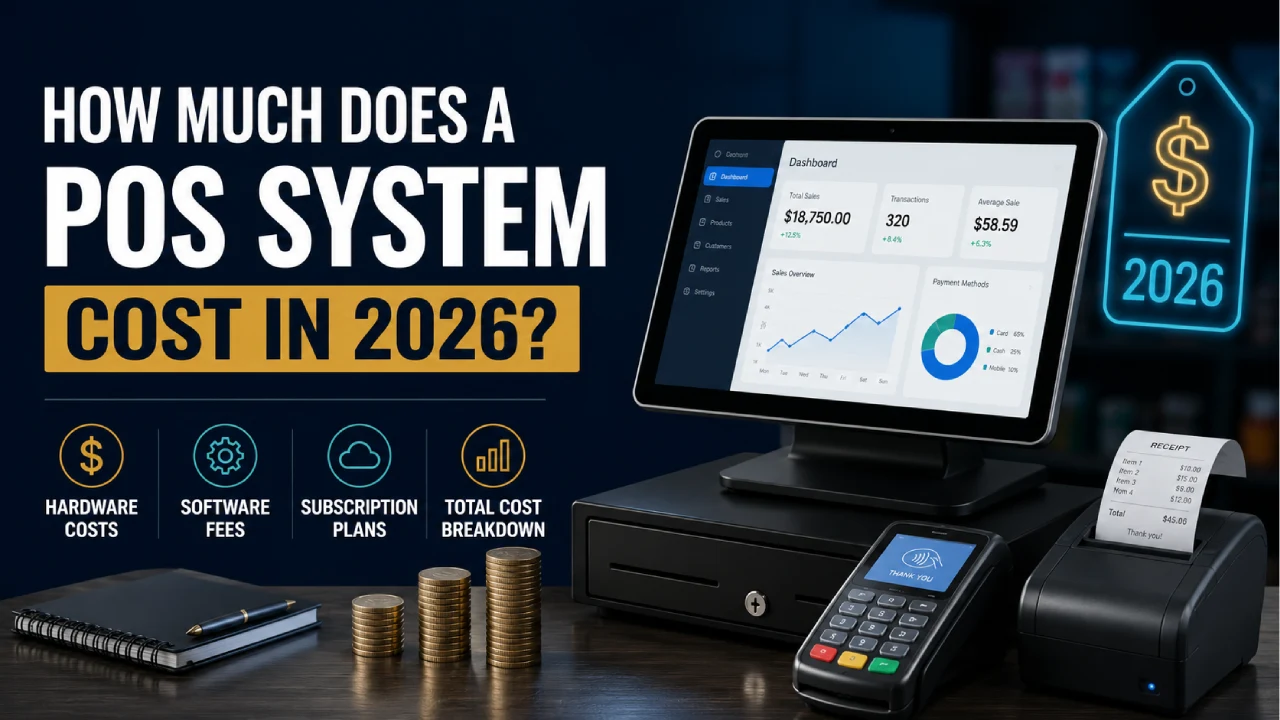
Whether you are opening a retail store, a restaurant, or a tattoo studio, a POS system is one of the most important investments you will make. But pricing is rarely straightforward. Software subscriptions, hardware, payment processing fees, and hidden add-ons all factor into the real number. Here is every cost explained clearly, so you can budget with confidence.
The cost of a POS system can range from zero dollars to several thousand dollars per month depending on the provider, the plan, the hardware your business needs, and the transaction fees that subtract from your profits with every sale. According to Forbes Advisor, the average cost for a POS system is around $25 monthly in subscription fees, approximately $500 total in hardware, and around 3% plus 10 cents per transaction.
If you want to keep costs as low as possible, there are excellent free POS systems that charge no monthly fee and include free hardware with sign-up, effectively bringing your monthly software cost to zero. However, you will still pay a percentage of each transaction in credit card processing fees regardless of which provider you choose. That transaction cost is unavoidable and often ends up being the biggest ongoing expense of any POS setup.
If your business has more complex needs such as countertop kiosks, handheld credit card machines, kitchen display systems, or multi-location management, your monthly cost can increase to several hundred dollars or even approach one thousand dollars once hardware, software, and processing are all factored in together.
POS software is the brain of the system. It handles your checkout process, tracks inventory, manages customers, generates reports, and connects to other tools your business uses. According to Square’s Bottom Line, basic POS software costs anywhere from $0 to $30 per month, while advanced or industry-specific software can range from $60 to $100 or more per month depending on the provider and the features included.
Free tiers cover the essentials: basic payments, sales recording, and simple inventory tracking. They are excellent for testing, pop-up shops, or new businesses that want to keep costs at zero while they get started. Providers like Square and Helcim offer free software plans with no monthly charge. The trade-off is that free tiers typically limit the number of users, restrict advanced reporting, and often come with slightly higher transaction fees to compensate.
Entry-level paid plans typically unlock multi-user access, more detailed reporting, enhanced inventory management, and better customer support. Shopify POS starts at $39 per month while Clover offers plans beginning at $16 per month with a 36-month commitment. These plans are suitable for established small businesses with consistent sales volume and a need for more reliable analytics.
Higher-tier plans include multi-location management, advanced analytics, e-commerce integration, employee scheduling, payroll, and comprehensive loyalty program tools. Lightspeed starts at $89 per month billed annually. KORONA POS starts at $59 per month. Restaurant-specific POS systems like Toast often charge more because of the additional complexity of food service features including table management, split billing, and kitchen routing.
Most POS providers charge extra for features like customer loyalty programs, gift cards, email marketing tools, employee management modules, accounting integrations, and online ordering capabilities. These add-ons typically run $10 to $50 per month each or come bundled into higher-tier plans. Prioritize the features you will use daily and avoid paying for tools your team will not realistically adopt.
Hardware is typically your largest upfront investment when setting up a POS system. The right hardware depends entirely on how your business operates, how many transactions you process daily, and whether your staff needs to be stationary or mobile. According to Volcora’s hardware pricing breakdown, a full POS lane including terminal, printer, scanner, and cash drawer typically costs between $600 and $2,500 depending on the components selected.
Here is what each major hardware component costs and what it does:
| Hardware Component | Typical Cost Range | What It Does |
|---|---|---|
| POS Terminal | $299 to $1,200 | Runs your POS software and connects all peripherals |
| Receipt Printer | $79 to $300 | Prints receipts for customers at point of sale |
| Cash Drawer | $39 to $200 | Stores cash and auto-opens on completed transactions |
| Barcode Scanner | $35 to $250 | Speeds up item lookup and updates inventory on scan |
| Card Reader | $0 to $60 | Accepts chip, tap, and swipe card payments |
| Tablet Stand | $49 to $150 | Holds tablet securely at checkout counter |
| Self-Service Kiosk | $1,000 to $3,000+ | Allows customers to place orders and pay without staff |
| Kitchen Display System | $300 to $800 | Shows orders in real time to kitchen staff (restaurants) |
Payment processing fees are the single cost that most business owners underestimate. Unlike software or hardware, processing fees are not a fixed monthly expense. They scale with every transaction your business completes. For high-volume businesses, processing fees typically end up costing far more over time than any subscription or hardware investment.
Here is what to expect across the main pricing models:
Standard rates for chip, tap, or swipe payments range from approximately 2.3% to 2.9% per transaction with some providers also adding a fixed fee of 10 to 15 cents per transaction. Square charges 2.6% plus 15 cents. Shopify charges 2.6% plus 10 cents. Helcim offers some of the lowest rates at 1.79% plus 8 cents for in-person transactions.
Online payments and manually keyed card numbers carry higher rates, typically 3% to 3.5% plus a fixed fee. This is because card-not-present transactions carry a higher fraud risk for the processor. Square charges 3.3% plus 30 cents for online payments. Shopify charges 2.9% plus 30 cents. PayPal charges 3.49% plus 9 cents for online transactions.
Many processors charge a PCI DSS compliance fee of approximately $5 to $30 per month to cover the cost of maintaining security certifications. Some providers include this in their monthly subscription while others add it as a separate line item. Always check your provider’s terms carefully for this charge.
The advertised price of a POS system rarely tells the full story. Here are the costs that most providers do not highlight prominently but that can significantly affect your total spend over time:
Pricing varies substantially between POS providers. Here is how the most widely used systems compare on the key cost metrics that matter most to small and medium-sized businesses:
| Provider | Monthly Fee | In-Person Rate | Card Reader |
|---|---|---|---|
| Square | Free | 2.6% + $0.15 | $10 (first free) |
| Helcim | Free | 1.79% + $0.08 | $199 |
| PayPal POS | Free | 2.29% + $0.09 | $29 |
| Shopify POS | $39/mo | 2.6% + $0.10 | $49 |
| Clover | $16/mo (36-mo) | 2.6% + $0.10 | $199 |
| Lightspeed | $89/mo (annual) | 2.6% + $0.10 | Varies |
| KORONA POS | $59/mo | Processor dependent | Varies |
Tattoo studios have specific needs that general retail POS systems do not always address well. Appointment booking, deposit management, consent form collection, artist tip tracking, and client portfolio management are all part of a typical tattoo studio’s daily workflow. Here is what to look for and what to expect to spend as a tattoo shop owner investing in a POS system.
A tattoo studio operates very differently from a retail store. Revenue does not come from scanning products off a shelf. It comes from time-based services, custom artwork pricing, deposits on future bookings, and merchandise sales of aftercare products, clothing, and prints. Your POS system needs to handle all of these transaction types cleanly.
Square offers a dedicated appointments product that integrates directly with Square POS. The free plan supports a single user with unlimited appointments. Paid plans start at $29 per month per location and add multi-staff booking, no-show protection, and SMS reminders. Combined with Square’s free POS software and a $10 card reader, a tattoo studio can be fully operational for less than $40 per month in software costs, making it one of the most cost-effective options available.
Vagaro is purpose-built for service-based businesses including tattoo studios, salons, and spas. It includes appointment booking, client management, online booking pages, digital forms, and point-of-sale in a single platform. Pricing starts at $30 per month for a single user and scales by the number of bookable staff members. Card processing rates are competitive at approximately 2.75% per in-person swipe with no additional monthly payment fees.
Fresha is a completely free booking and POS platform for salons and studios. There are no subscription fees whatsoever. The platform makes money exclusively through a small marketplace fee on new clients booked through Fresha’s public directory, and through payment processing at 2.19% plus 20 cents per transaction for existing clients. For a tattoo studio that already has an established client base and wants zero software cost, Fresha is a compelling option.
For a single-artist tattoo studio just getting started, a fully functional POS setup can cost as little as $200 to $400 upfront for basic hardware including a tablet, stand, and card reader, with $0 to $30 per month in software costs. For a multi-artist studio with appointment booking, retail inventory, tip tracking, and detailed reporting, expect to spend $400 to $800 on hardware and $50 to $150 per month on software, with processing fees on top based on your monthly revenue.
The most cost-effective POS system is not simply the one with the lowest price. It is the one that fits your workflow well enough that your team actually uses it properly, reliably, and without wasting time on workarounds.
For businesses processing significant card volume every month, even a small difference in processing rates adds up to real money over a year. A business processing $50,000 per month in card transactions paying 2.9% versus 2.5% pays an additional $200 per month in fees. That $2,400 per year difference often exceeds the annual cost of switching to a provider with better rates.
Before committing to any platform, list the five things your team does most often at the point of sale. Make sure your chosen system handles all five without extra steps or workarounds. A system that looks impressive in a demo but slows your team down in real use is not delivering value regardless of its price.
Always calculate the total cost of ownership over at least 36 months, not just the monthly subscription. Include hardware, software, processing fees at your expected transaction volume, add-ons, and support. A system that appears cheap month-to-month sometimes costs significantly more over three years than a higher-priced alternative with lower processing rates or better included features.
Contact customer support as a prospective customer before signing up. Note how quickly they respond, how knowledgeable the agent is, and whether phone support is available at the hours your business operates. A POS system that goes down during a busy Saturday and has no reachable support is worth far less than its advertised price.
What is the average cost of a POS system for a small business?
According to Forbes Advisor, the average cost for a POS system is around $25 monthly in subscription fees, approximately $500 total in hardware, and around 3% plus 10 cents per transaction. However, free software plans exist and hardware costs vary widely depending on what components your business actually needs.
Are there free POS systems that actually work well?
Yes. Square and Helcim both offer genuinely capable free software plans with no monthly subscription fee. Square includes free POS software with no monthly fees and offers a free first card reader. Helcim offers free software with some of the lowest processing rates available. The trade-off with free plans is typically limited users, restricted reporting, and no advanced features like loyalty programs or multi-location management.
What is the cheapest complete POS setup I can buy?
The cheapest functional complete POS setup is a smartphone or tablet you already own running Square’s free app with a $10 magstripe reader. For a slightly more capable setup with a dedicated terminal and receipt printer, expect to spend $300 to $500 on hardware with $0 in monthly software fees if you use a free-tier provider.
Do POS systems charge per transaction?
Yes. Every POS system charges a fee on card transactions. This is unavoidable regardless of which provider you use because the fee covers interchange costs paid to the cardholder’s bank and the card network. Rates typically range from 1.5% to 3.5% per transaction depending on the provider, the type of card used, and whether the transaction is in-person or online.
How much does a POS system cost for a tattoo shop?
A single-artist tattoo studio can set up a fully functional POS system for as little as $200 to $400 in hardware and $0 to $30 per month in software using Square for Appointments or Fresha. A multi-artist studio with full appointment booking, retail inventory, tip management, and detailed artist reporting should budget $400 to $800 in hardware and $50 to $150 per month in software, plus processing fees on card transactions.
Is it better to buy or lease POS hardware?
Buying is almost always the better financial decision for POS hardware. Hardware leases spread costs into small monthly payments but the total amount paid over a 36-month lease period typically far exceeds the purchase price. Unless cash flow is extremely constrained, purchase hardware outright and treat it as a one-time capital expense rather than a recurring monthly obligation.
What is the difference between cloud-based and server-based POS systems?
Cloud-based POS systems store data on remote servers and are accessed through an internet connection. They typically have lower upfront costs, receive automatic updates, and are easier to scale across multiple locations. Server-based systems store data locally on in-house hardware. They have higher upfront costs, require IT maintenance, and do not depend on internet connectivity, but lack the flexibility and remote access of cloud alternatives. Most modern small businesses choose cloud-based systems for their lower cost and easier management.
Disclaimer: This article is for informational purposes only. Pricing information is accurate as of publication date and may change. Always verify current pricing directly with POS providers before making purchasing decisions.
TattooGleam Editorial Team
tattoogleam.com